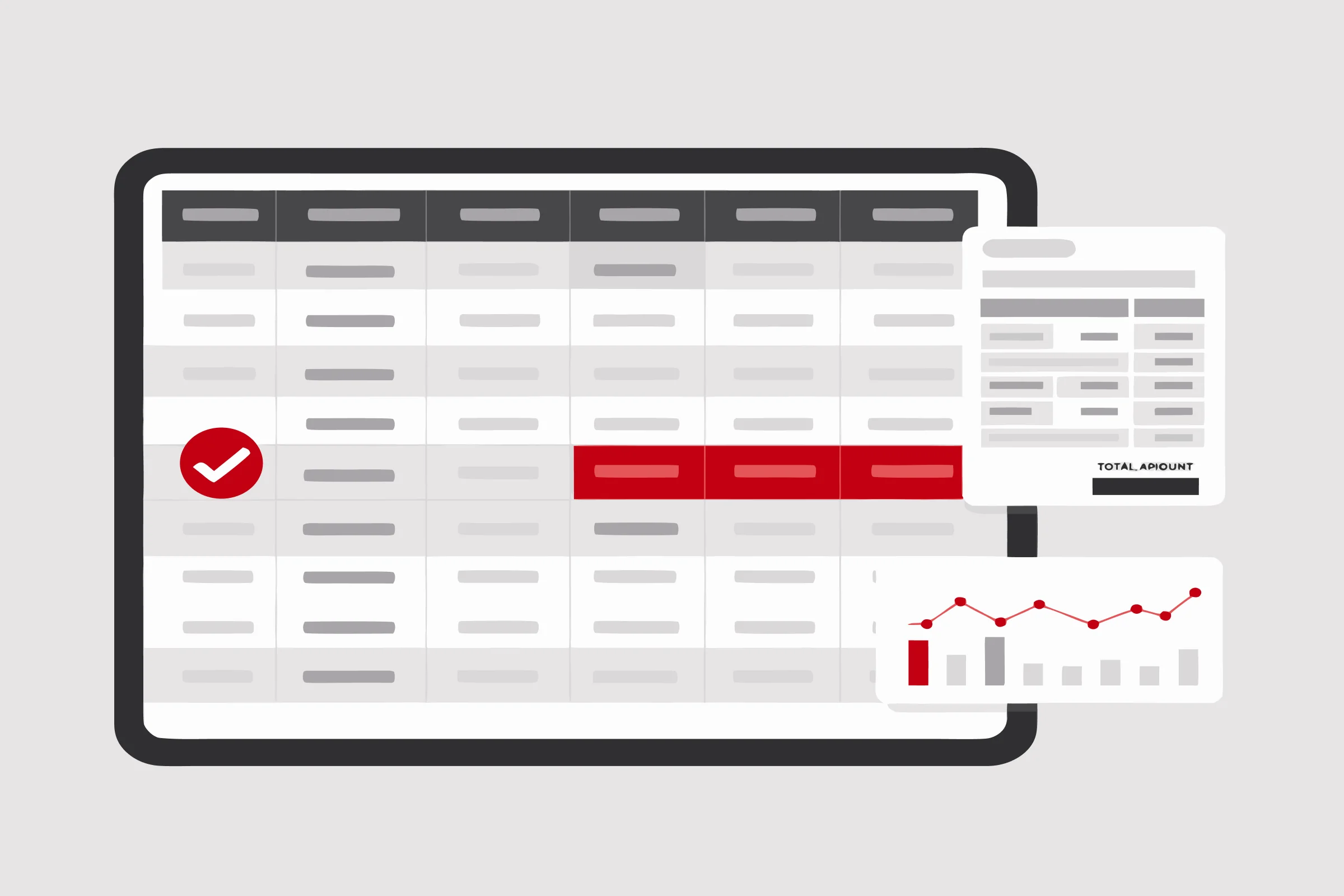
Find your capacity ceiling before your users do
LoadFAST simulates concurrent users and measures page load time, flagging slow reports and visuals so you size Fabric capacity on evidence.
Benefits
Know the ceiling before users find it
Simulate concurrent load to see how much Fabric capacity your reporting workloads actually need, before users feel the limit.
Capacity sized to real demand
Right-size Fabric capacity from measured performance data rather than provisioning against a guess.
Tuning effort where it pays
Page-level timings show which reports and visuals consume the most capacity, so optimization starts with the expensive ones.
Product features
Evaluate Fabric capacity
Simulate concurrent user load to see exactly how much Fabric capacity your reporting workloads need.
Optimize capacity costs
Right-size Fabric capacity from real performance data, preventing over-provisioning and cutting wasted spend.
Analyze report performance
Measure page load time by report and visual to surface latency bottlenecks before they reach users.
Identify expensive reports
Pinpoint the reports and visuals consuming the most capacity, so you know where tuning pays off.
How it works in 3 steps
Set up your load test
Select reports and pages from your workspaces and specify the actions to run.
Run the load test
Choose how many concurrent users to simulate, then start the run.
Review performance results
Open the run summary to see how every report and page held up under the simulated load.
Tell us which reports matter most and how many users hit them. We will show you where the capacity actually runs out.
Pick the plan that fits your scale
Optimize your Power BI Reports and Usage with LoadFAST
See how LoadFAST helps identify bottlenecks and right-size Fabric capacity for reporting workloads.
Read the story